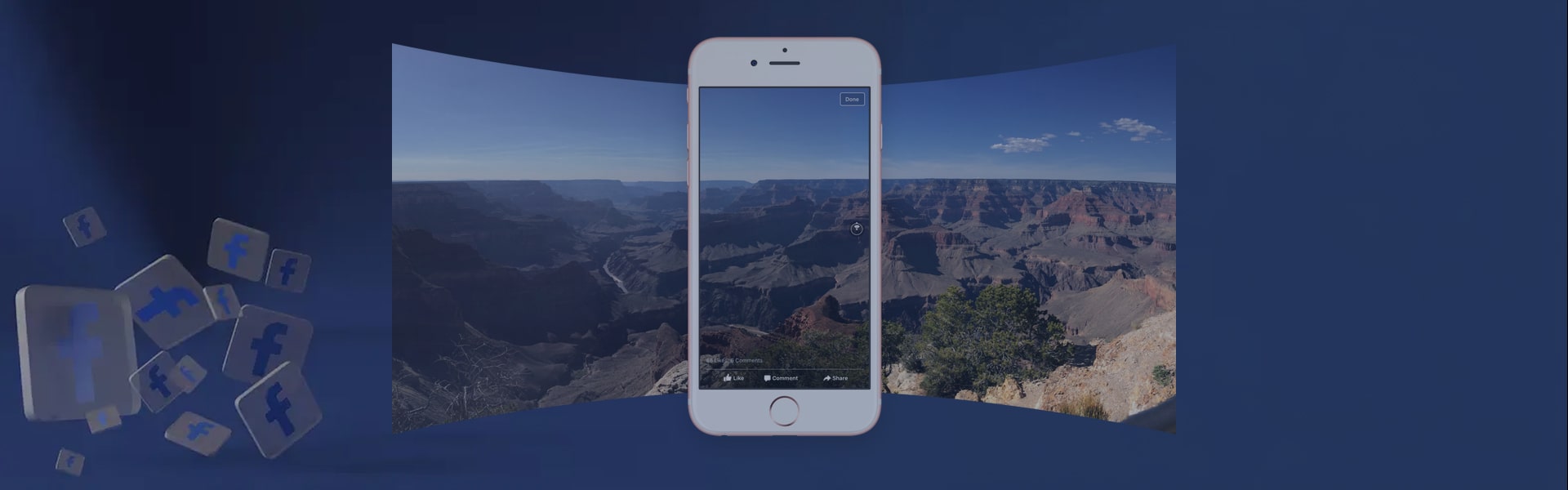
After the huge success of 360-degree videos, Facebook has added 360 degree photos feature in its Newsfeed. With this feature, you can post 360 degree photos on your FB wall and view them while holding your phone up and moving it around.
If you’re quite unsure how to use this new Facebook feature, let us tell you that you don’t need to do anything special to upload your photos. In this helpful article, we’ll tell you how to post 360 degree photos to Facebook. Let’s start:
Post 360 degree photos to Facebook
1. No dedicated camera is required
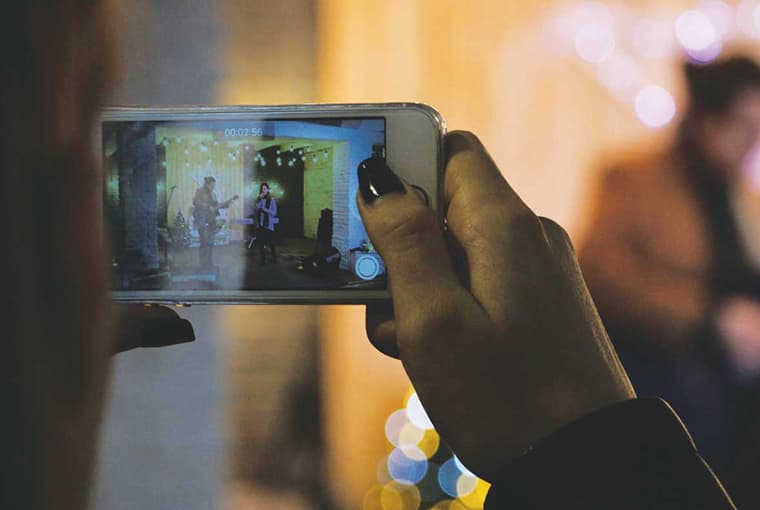
If you want to capture 360 degree photos using a digital camera, here is a list of cameras that are officially supported by Facebook:
- LG 360 Cam
- 360Fly
- Samsung Gear 360
- Ricoh Theta S
- Panono
- IC Realtech ALLie
Although each one of the aforementioned cameras can capture your entire surroundings in a single shot, they come at a steep cost in most instances.
2. No better choice than your phone
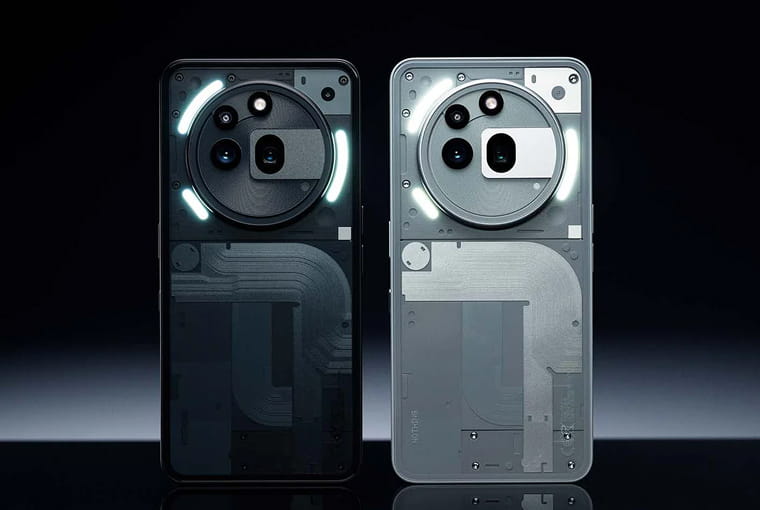
A smartphone or tablet works well with the latest feature, allowing you to post 360 degree photos to Facebook. According to the social media giant, anything newer than iPad Mini 2, iPhone 4S, iPad Pro, and iPad Air model will work fine if you want to upload 360 degree photos on Facebook.
Facebook hasn’t yet listed a series of Android devices, however, it does advise using a Galaxy device newer than Galaxy Note 3 or Samsung Galaxy S5.
For those who own a non-Samsung Android device, Google Camera app can be the best app to post 360 degree photos to FB.
3. The old-school method
It is obvious that not all your photos will work with Facebook’s 360-degree viewer, so what’s the solution? In this case, you just need to use the camera app on your device to take a shot in panorama mode. You probably have many already in your device’s camera roll, simply waiting to be uploaded and shared with your FB pals. Or you can go one step ahead and use the Google Street View app to capture a 360-degree photo sphere and upload it on your Facebook wall.
There’s one thing you need to remember while taking a panorama photo to upload, Facebook reveals this feature will not work with the photos that are smaller than 100 degrees. Unfortunately, there is no way to see how big a photo is, especially in terms of degree. So, if you are not willing to capture the full landscape, you will have to do some trial-and-error to get started with the correct size photos.
4. Upload 360 degree photos to Facebook
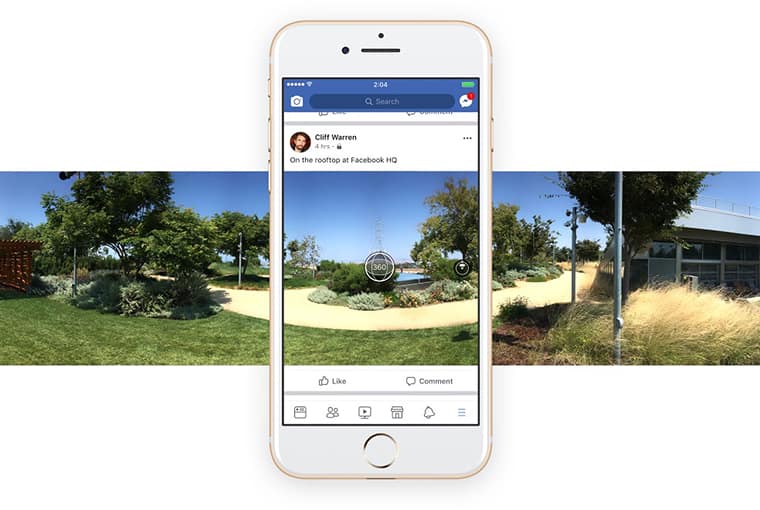 You can upload your 360 degree photos to Facebook in the same manner as you upload all your other photos. Here are the steps to post 360 degree photos to Facebook:
- Open Facebook app
- Tap on photo folder
- Choose a picture to upload
- And post
You can upload only one panorama at a time.
Read more: How to stop Facebook quizzes from spamming your friends