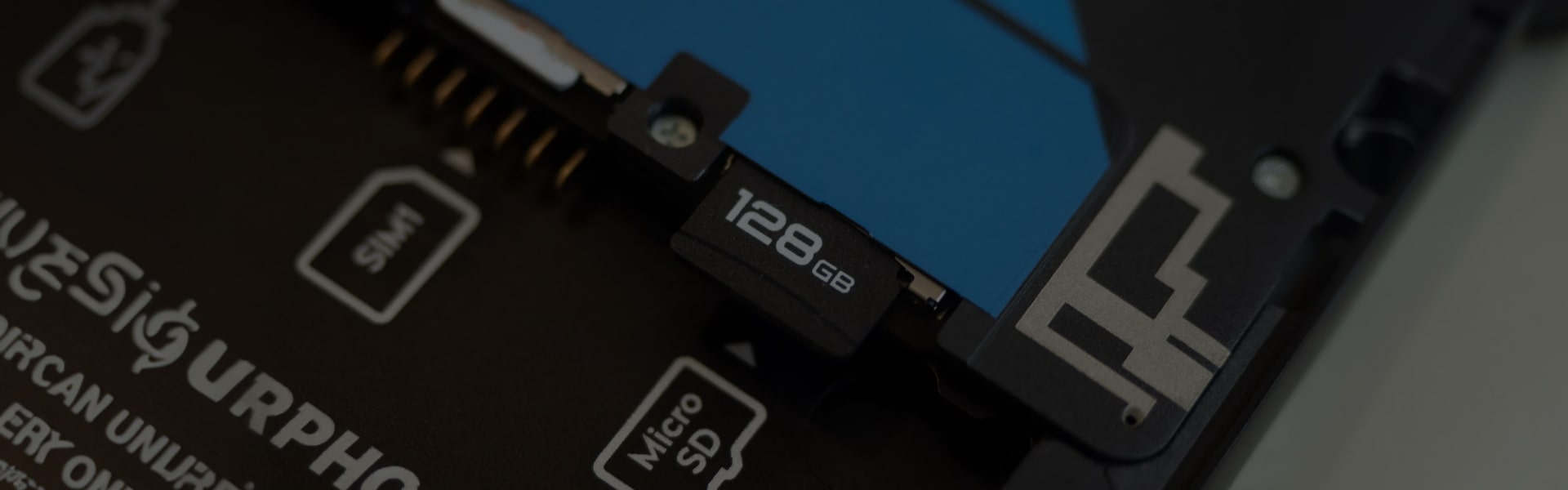
Every application installed on your Android is automatically saved on the internal memory of your device. This can clog up your device and you will not be able to install more and more interesting apps any further because your device will not have enough space for new apps.
To fix the problem, you can move all you Android apps to the SD card (removable storage) on your device. Here’s how to move your Android apps to SD card, especially on non-rooted Android phone.
1. Download and install ‘App to SD’ app from the Google Play store
2. Launch all the apps
3. Allow ‘App to SD’ app to build and generate the app list available on your Android
4. If you see any prompt message than clear the app cache
5. In the main interface of your device, check list of the all apps that can be shifted to SD card
6. Select the app you want to move to SD card with a tap on it
7. Tap on Move to SD Card button and wait until moving completes
8. If you want to move your apps to the SD card then press the button from the App2SD home page and tap on Move all apps
9. Choose the applications you want to move to the SD card and press OK
Bravo! You’re done! App transfer process is complete. Now download any number of apps on your Android without thinking much about the limited space.