The search engine Google has been making efforts to combat the problem of unreliable data connections for a while. To accomplish this, the company has been providing many new offline features for its various services. Now, Google has commenced such a feature for its search results in the latest update of Google search app for Android. You can now use Google offline search feature on your Android device from today.
Google offline search feature has been launched specially for the areas where there’s patchy Internet. However, it’s not exactly offline search, it just stores pending search queries made during spotty or no Internet connection. The queries are saved in a new section dubbed ‘Manage Searches’. All your queries will be searched automatically by the Google app as soon as the Internet connection is regained.
The Google new search mode continues to run in the background and notifies once it has processed the search results. In a blog post, the product manager Shekhar Sharad wrote,
“The Google app will work behind-the-scenes to detect when a connection is available again and deliver your search results once completed”
The Google offline mode is now rolling out, so you can start using the feature from today. Here, we’ll tell you how to use Google offline search feature on your Android device.
Use Google offline search feature on Android
- Once you’ve successfully installed the latest Google Android app update, you’ll see a ‘Manage Searches’ option in the hamburger menu, which lists all your pending searches

- You can delete your offline search queries as well. You can create a notification to alert you when a search result is ready by navigating to Settings > Offline search. Now, turn on ‘Always retry searches’ switch to get notifications whenever any of your queries is ready

- Once the Internet connection is established on your phone, all your search queries will be processed in the background
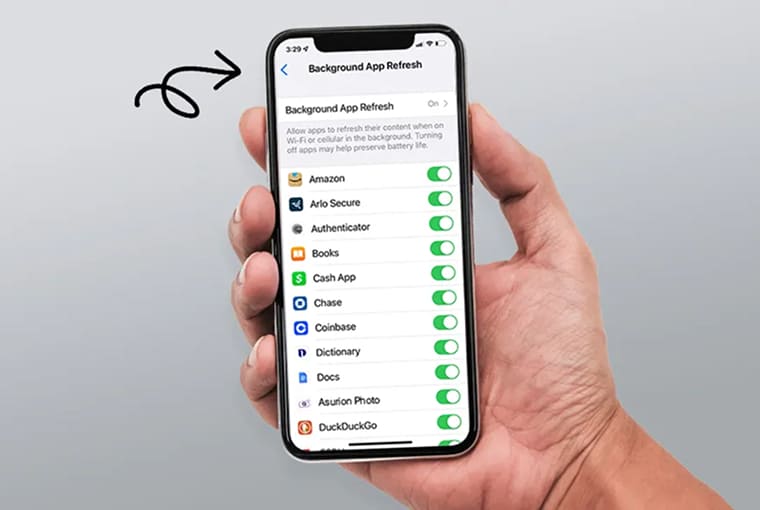
- After processing your searches, the Google app will send you a notification to inform you
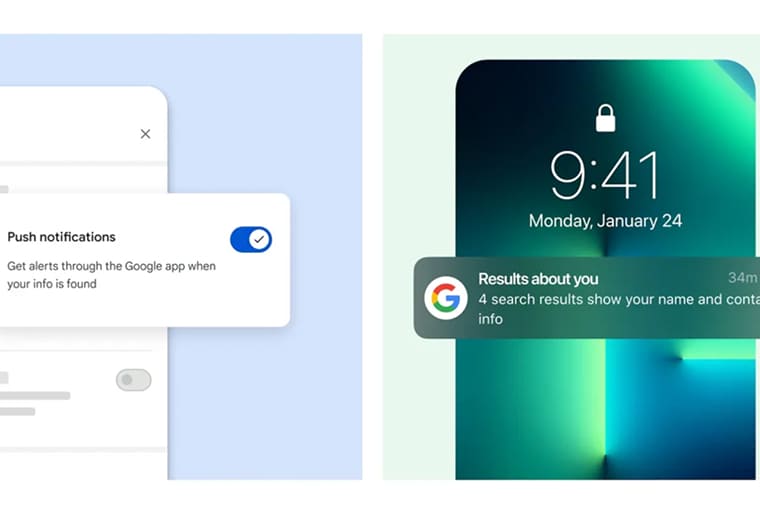
Tap on the notification and it will bring up a pre-downloaded results page along with cards for weather and stock prices. You can even see how recent the search results are. Also, you can refresh the page for more up-to-date results if needed. Thus, you can use Google offline search feature on your smartphone.
Google’s new offline search feature is very useful, especially for countries like India where there isn’t a reliable data connection. The company claims that the new feature won’t noticeably impact your phone’s battery life. Also, the Google offline search feature bears no additional baggage on your data usage. So the next time you lose the Internet connection, feel free to line up your searches, put your phone away and carry on with your day.
You may also like: How to use Google Keyboard on Android