
Picture this: you’ve spent the last few weeks making a tribute video for your parents’ 25th wedding anniversary. You collected some beautiful pictures and have been laying them over your favorite soundtrack. When you finally complete it, you start to copy the file onto a DVD. But what is that? A strange message pops up telling you that files on your PC have been encrypted and you have to submit payment to get an encrypted key else your files will be destroyed. Unfortunately, you’ve been caught in the net of ransomware and you’ve no option other than cutting your losses or paying up. That’s why it is very important to remove ransomware from your Windows PC.
Ransomware is an invasive form of malware that extorts money from users. It attacks your system and blocks the access to your important data, which needs to buy a key from the malware creator to open the access. Basically, ransomware encrypts your data with a key and only that key can decrypt data. Although recovering the damage is quite impossible, you can remove and block ransomware on Windows PC to stop it entering again into your system.
In this article, we’ll show you how to remove ransomware to keep your valuable data on a safe side. Let’s delve into the world of anti-ransomware:
Remove ransomware from your computer
Prevention is better than cure. Keeping this fact in our mind, we’ll tell you some useful ways to prevent from ransomware. Let’s take a quick look at the best ways to prevent from ransomware:
- Download any software on your PC only from trusted sources
- Don’t open any malicious attachments appended to emails that usually come from unknown senders
- Don’t visit a website that has been corrupted to deliver malware
- Don’t click any suspicious link presented in an email, instant message, and social media message
- Don’t open corrupt macros in business applications like spreadsheets and documents
- Create regular backups of your most valuable files
- You can also clone your one drive to another and make a bootable rescue media to remain safe from any disaster like a ransomware infection
- Make sure you have the latest updates for all software installed on your PC. For this, you can go through Windows settings to ensure you receive automatic updates
These were some ways to prevent ransomware attacks on your system. Though it’s not always possible to stop stealthy malware threats, there’s a way to remove ransomware from your computer.
If your PC is locked by ransomware, try to insert your Windows disc and then rebooting. Now, your system will boot from the disc instead of your hard drive. If it’s not the case, then press F8 function key before Windows loads and use the BIOS menu for modifying the boot order. Once you have done so, you’ll be presented with an option to repair or reinstall the OS.

As another option, you can use the Advanced Boot Options menu via the BIOS. It will give you an access to Windows System Restore to remove ransomware by restoring your data before it gets infected.
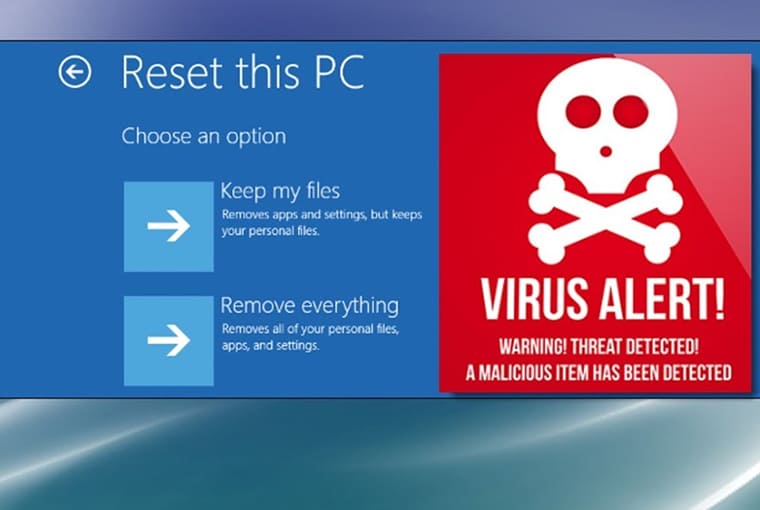
Repairing and restoring your computer should remove ransomware; however, your files may still be encrypted or even deleted. It’s not a big issue if you’ve been making regular backups of your important files.
Read more at How to transfer files from Windows PC to Mac