



There are times when you want to watch a YouTube video but it’s not available in your country. Such videos are restricted by Geographical location i.e. they are only available in a particular country – or say worldwide. For example, BBC’s content is only available to UK residents. On the other hand, there are some US channels that you can stream online only if you’re residing in the US. Now, what about people who’re residing in other parts of the world and want to watch these videos? What if a person residing in India wants to watch an interesting documentary on BBC? All these questions forced us to conduct a little research and come up with this tutorial on how to watch region-locked YouTube videos.
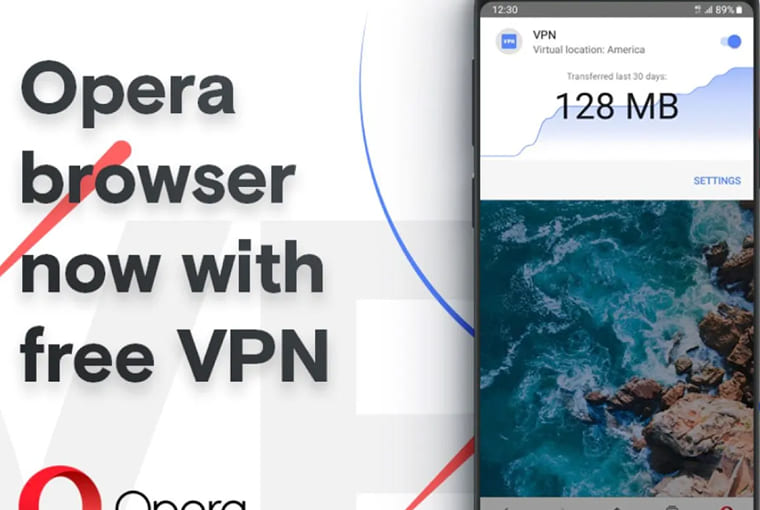
There are many ways to access region-locked content on YouTube. In this tutorial, we’ll discuss the easiest and free-to-use method, i.e. accessing restricted videos with Opera. Yes, we’re talking about the popular company that’s ruling the browser market for a long time. The organization keeps doing some innovative stuff to benefit users. Their recent innovation came in the form of a free VPN service bundled with the web browser. In this tutorial, we will discuss in brief how you can watch region blocked YouTube videos with Opera. Let’s begin:
Simple steps to watch region-locked YouTube videos
On your PC
Just follow the instructions below to watch region-locked YouTube videos on your PC:
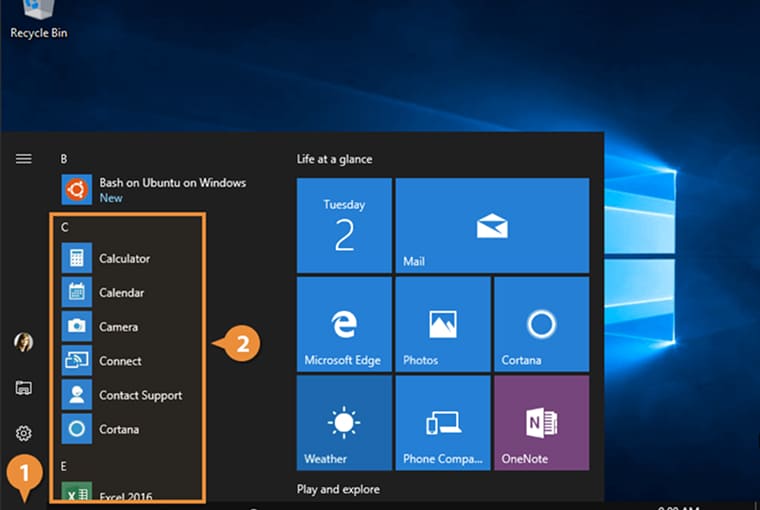
Step 1. First of all, install the latest version of Opera Browser on your PC
Step 2. Once the app is installed on your computer, open it
Step 3. Go to Settings > Privacy & Security and check the Enable VPN option under the VPN section. This will activate the VPN on the web browser
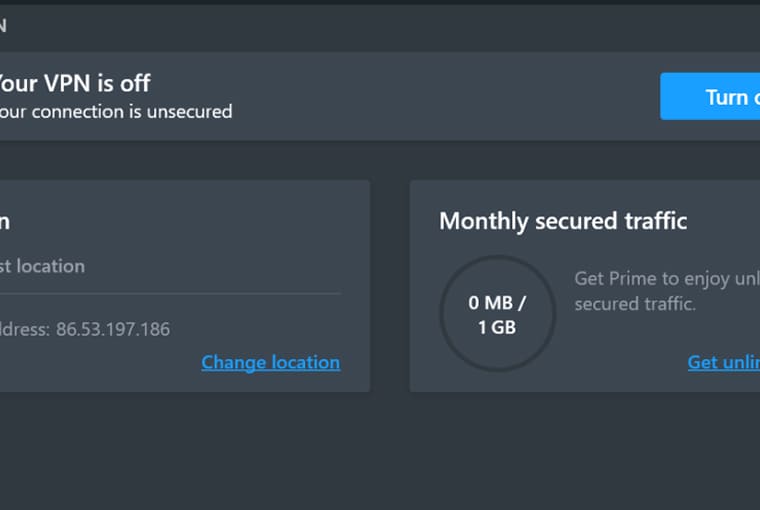
Step 5. After the browser is connected to VPN, the VPN button will turn Blue. You can also specify the VPN location according to your choice
For example: If you think that the blocked URL is available in the US, you can opt for US-based VPN
Step 4. In the final step, paste the URL of the YouTube video you want to watch and start streaming
Read More: 20 Hidden YouTube Tricks that No One Knows About
On your mobile
You can also use Opera VPN to watch region-locked YouTube videos on your smartphone. The free VPN app is specially intended to secure your device from cyber threats when it’s connected to the Internet. It is available for both Android and iOS
Here’s how to watch region-locked YouTube videos on your smartphone using the Opera VPN app:
Step 1. First of all, install Opera Free VPN for Android or iOS from their respective stores
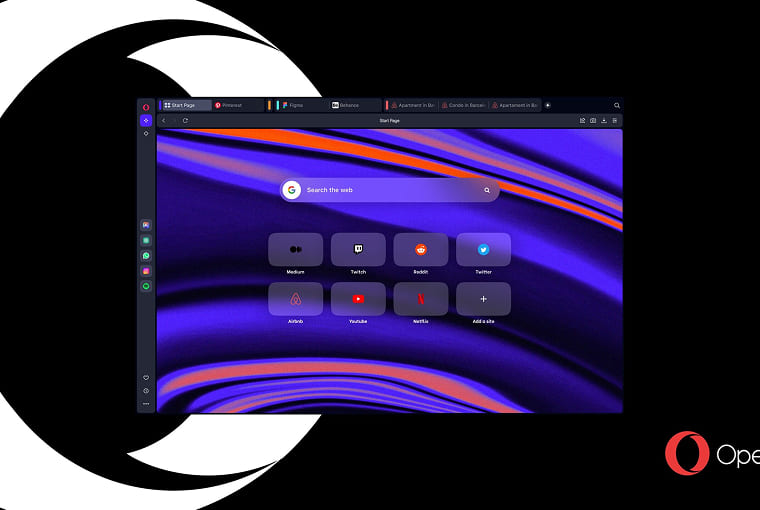
Step 2. Once the app is installed, launch it. You’ll be guided through the initial setup process. Just go through it!
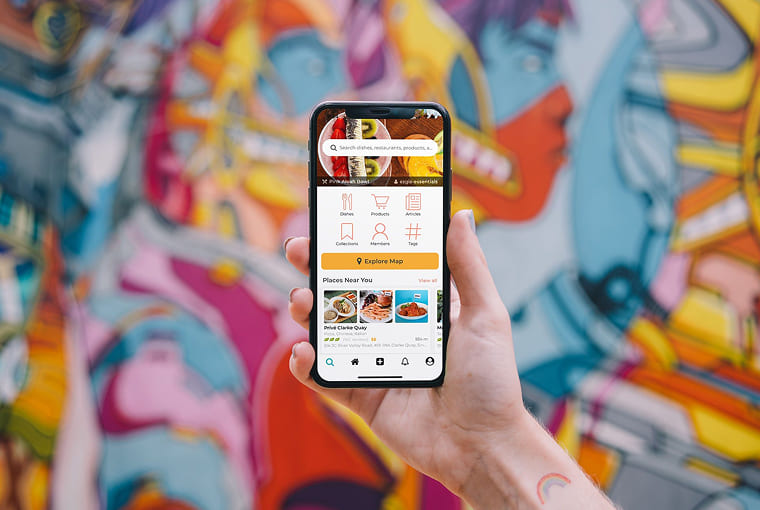
Step 3. Tap the Connect button on the main screen. You’ll be connected to a VPN network of another country e.g. Netherlands.
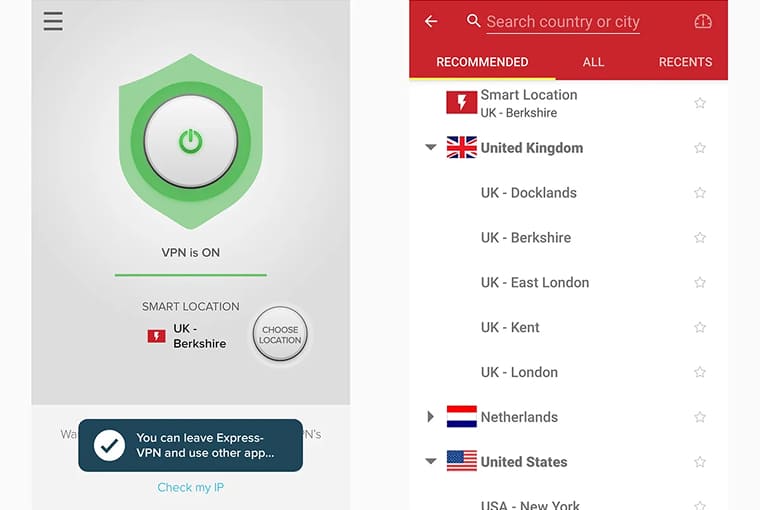
Note: You can also change the network region by clicking on the Change Region option
Step 4. Finally, open the YouTube app or the webpage where you were trying to watch the YouTube video

It will start playing seamlessly.
This way you can seamlessly watch all region-locked YouTube videos in India and other countries. No need to install third-party paid VPN apps. Simply enjoy!

